# Subtitles

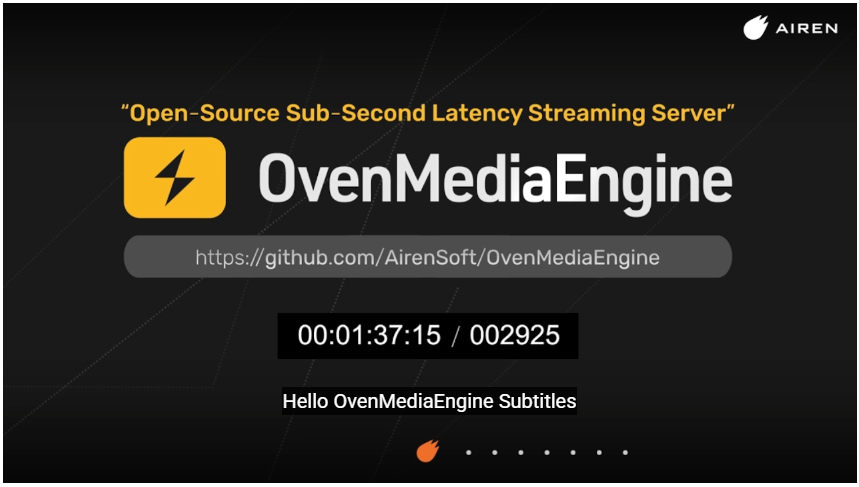
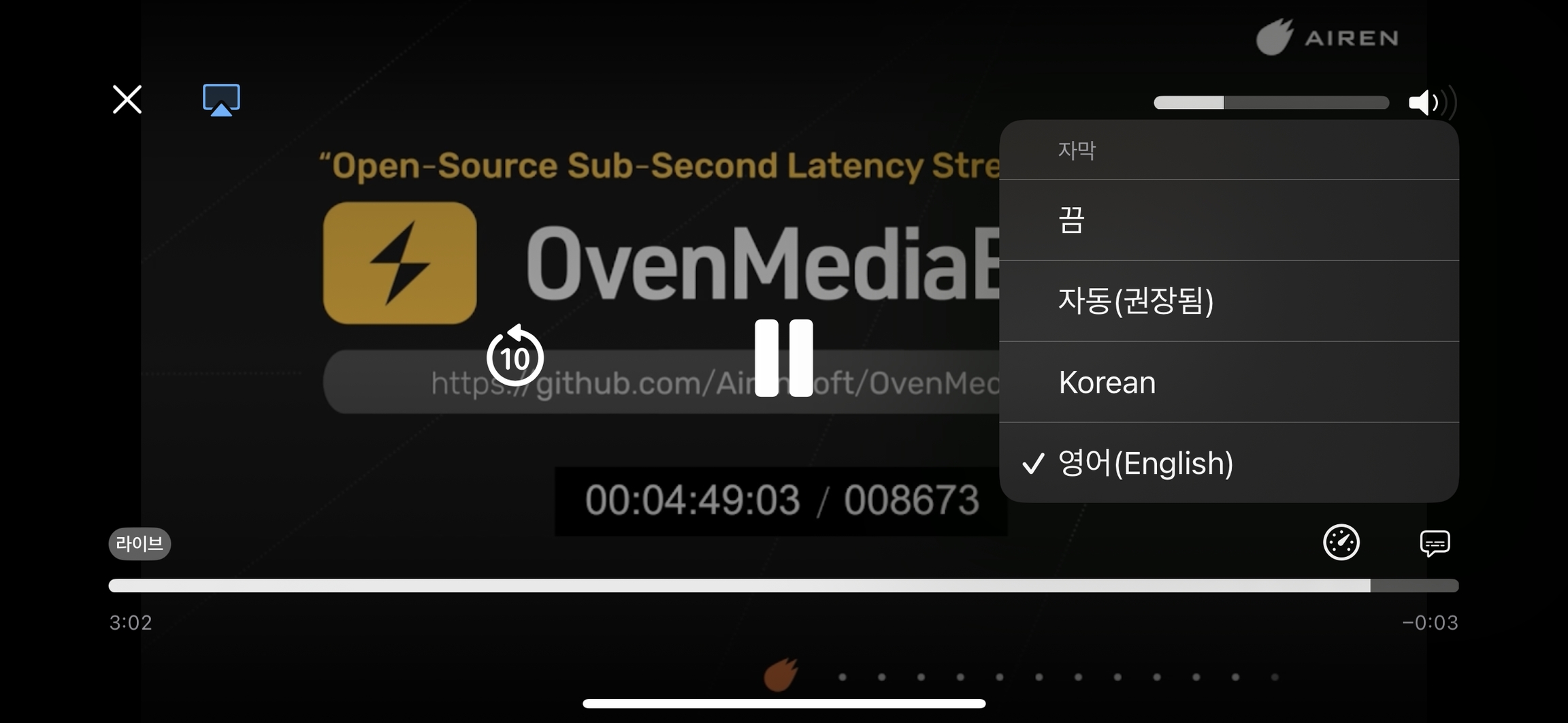
From OvenMediaEngine 0.19.1 and later, you can insert subtitles into live streams in real time using the API.&#x20;

<figure><img src="https://content.gitbook.com/content/18PIJOSxjrTg0fdPcBuI/blobs/AtRt11Omw6ZuUY6EskRT/image.png" alt=""><figcaption></figcaption></figure>

<figure><img src="https://content.gitbook.com/content/18PIJOSxjrTg0fdPcBuI/blobs/Pg2ZOrwjGe0UQFdv89QK/image.png" alt=""><figcaption></figcaption></figure>

{% hint style="info" %}
Currently, only the LL-HLS publisher is supported. HLS and WebRTC will be supported in future releases.
{% endhint %}

To enable subtitles, add a `subtitles` section under  `<Application><OutputProfiles><MediaOptions>` as follows:

```xml
<Application>
    <Name>app</Name>
    <Type>live</Type>

    <OutputProfiles>
        <MediaOptions>
            <Subtitles>
                <Enable>true</Enable>
                <DefaultLabel>Korean</DefaultLabel>
                <Rendition>
                    <Language>ko</Language>
                    <Label>Korean</Label>
                    <AutoSelect>true</AutoSelect>
                    <Forced>false</Forced>
                </Rendition>
                <Rendition>
                    <Language>en</Language>
                    <Label>English</Label>
                </Rendition>
            </Subtitles>
        </MediaOptions>

        <OutputProfile>
            <Name>stream</Name>
            <OutputStreamName>${OriginStreamName}</OutputStreamName>
            ... omitted ...
        </OutputProfile>
    </OutputProfiles>
</Application>
```

* **DefaultLabel**: sets the default subtitle label in the player.
* **Language**: defines the language code (ISO 639-1 or ISO 639-2).
* **Label**: used to select the track when calling the API.
* **AutoSelect**: if `true`, the player may select this track automatically based on the user’s language.
* **Forced**: if `true`, the track is always shown even if subtitles are disabled (behavior depends on the player).

## Insert Subtitle Cues

Once subtitle tracks are enabled, you can insert subtitles in real time using the OvenMediaEngine subtitle API. See the API documentation for details.

{% content-ref url="rest-api/v1/virtualhost/application/stream/send-event-1" %}
[send-event-1](https://docs.ovenmediaengine.com/0.20.0/rest-api/v1/virtualhost/application/stream/send-event-1)
{% endcontent-ref %}

### Playlist Subtitle Disable per Playlist

When subtitles are enabled, all playlists include them by default.\
To disable subtitles for a specific playlist, set `<Playlist><Options><EnableSubtitles>` to false (default : true).

```xml
<Playlist>
	<Name>default</Name>
	<FileName>playlist</FileName>
	<Options>
		<EnableSubtitles>false</EnableSubtitles>
		...
	</Options>
```