We provide online demos of OvenPlayer(WebRTC/LLHLS Player) and OvenLiveKit(WebRTC Live Encoder) so that users can easily test out OvenMediaEngine.
To connect to your OvenMediaEngine in the online demo, you will need to install a certificate and use either the HTTPS or WSS protocol. Unsecured HTTP or WS protocols could not work in online demos due to browser security policies.
OvenSpace
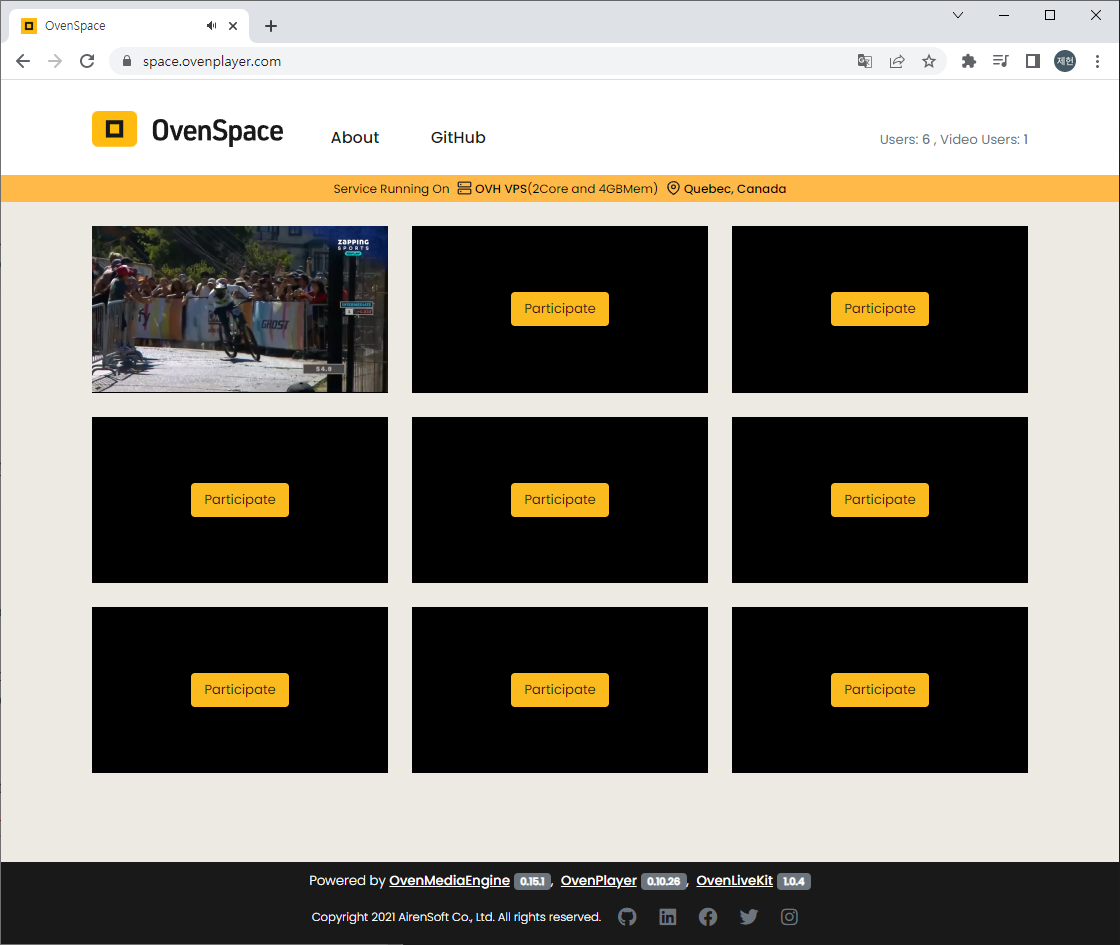
OvenSpace offers a fast and easy way to experience the powerful tools of OvenMediaEngine, OvenPlayer, and OvenLiveKit in action.
With OvenSpace, you can quickly and easily stream content with sub-second latency using WebRTC technology, or take advantage of Apple's LLHLS specification to deliver low-latency live streaming. The platform allows you to stream from various sources, including your webcam, microphone, screen, or an external live encoder that supports RTMP and SRT.
OvenSpace is available online, so you can try it out for yourself at . You'll get a hands-on experience of how OvenMediaEngine, OvenPlayer, and OvenLiveKit work together seamlessly to deliver top-quality streaming, whether you're a developer looking to build a media service or someone who wants to experience sub-second or low-latency streaming firsthand.
OvenSpace is also available on as open source. It will be a good reference when developing media services using OvenMediaEngine, OvenPlayer and OvenLiveKit.
This page provides the fastest way to check playback of WebRTC and LLHLS using OvenMediaEngine. For installation and detailed settings, please refer to other pages.
Run OvenMediaEngine
Run docker with the command below. OME_HOST_IP must be an IP address accessible by the player.
Check Status
You can check the docker container status with the following command:
You can view the log with the command below. This is important because you can check the version of OvenMediaEngine that is running.
Run OvenPlayer Demo
Check Status
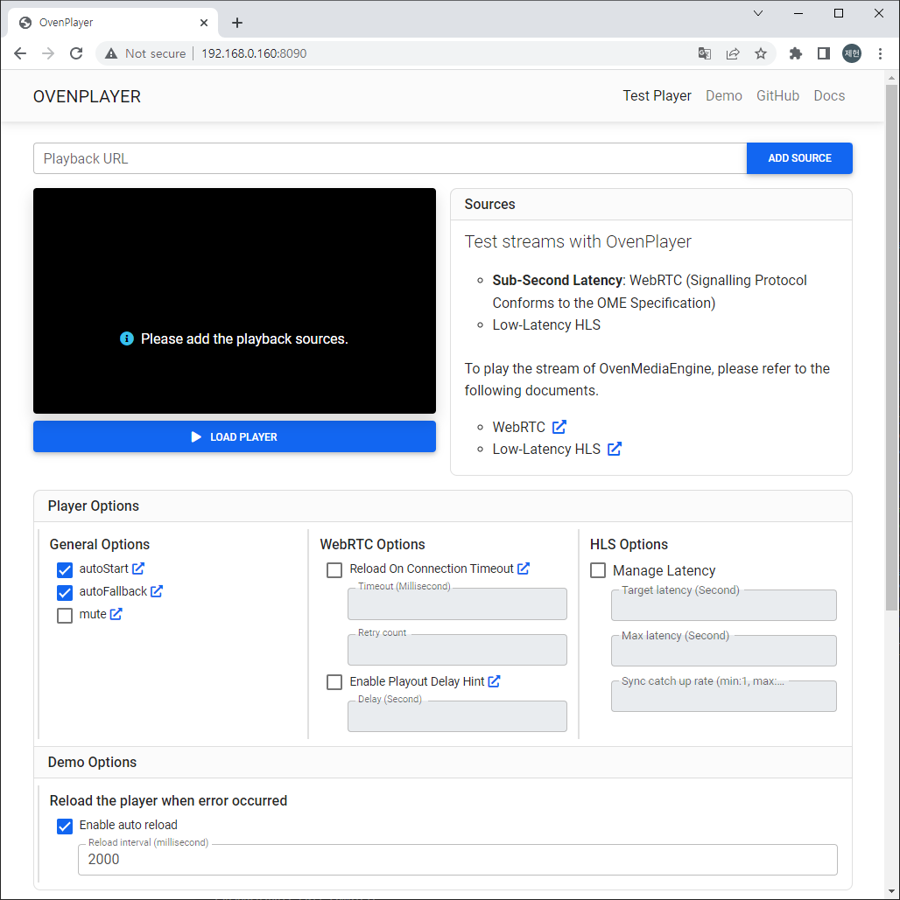
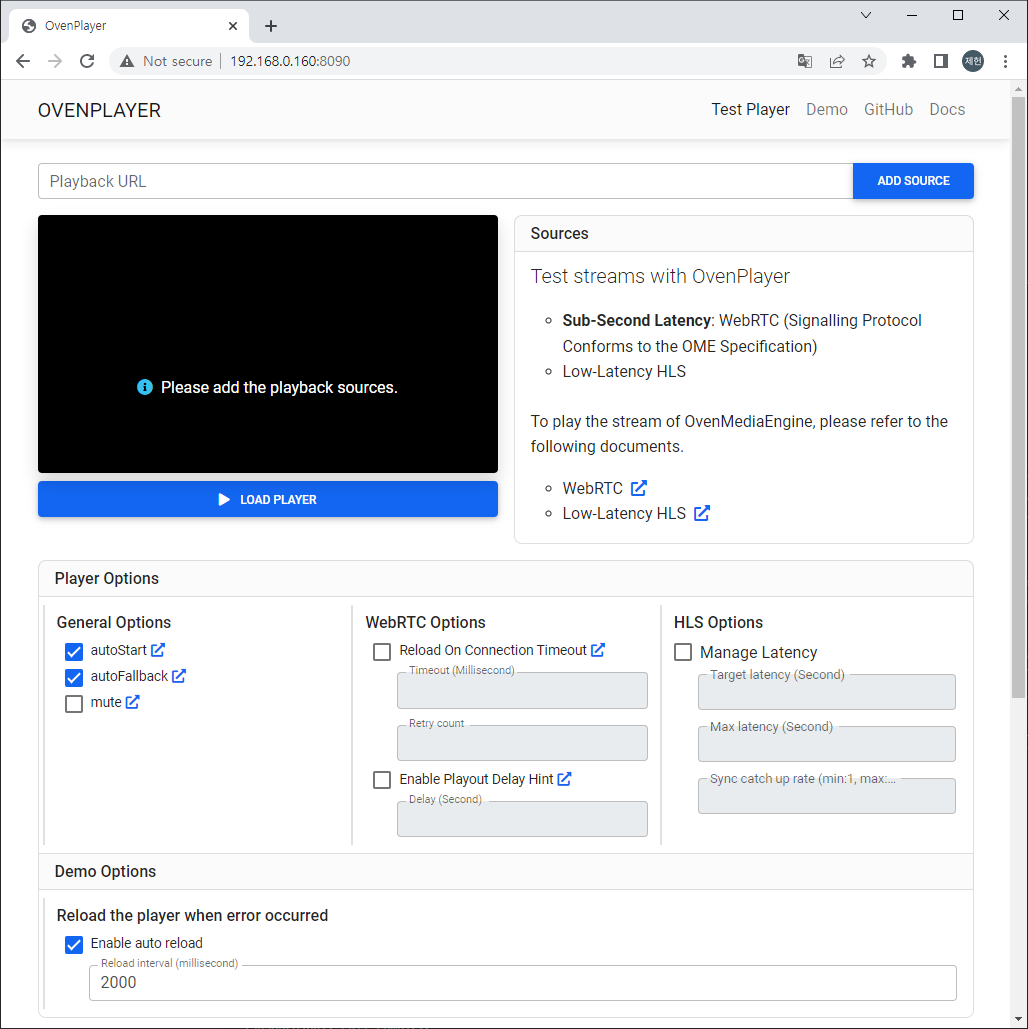
You can access the OvenPlayerDemo docker container with a browser as shown below.
http://Your.Docker.Host.IP:8090/
Publishing
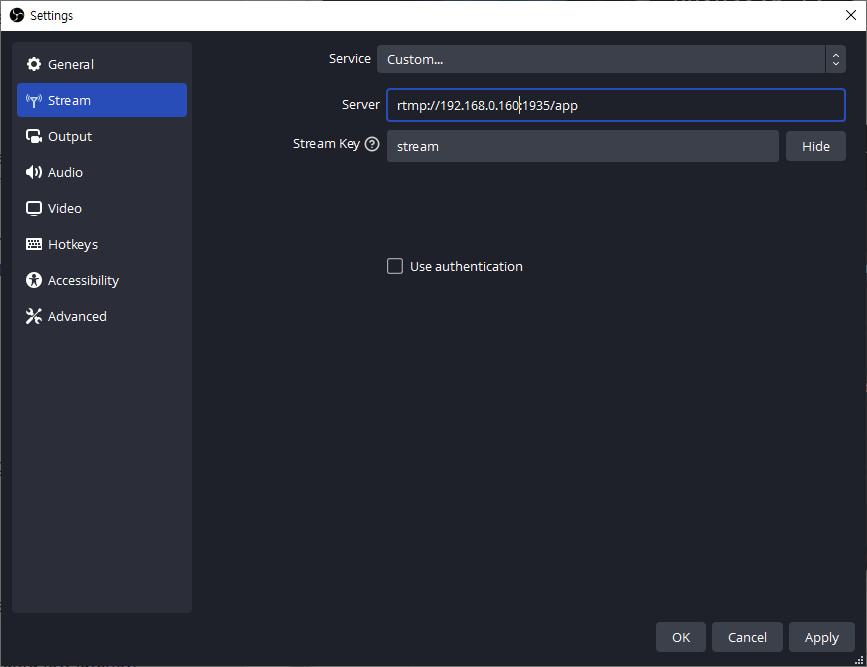
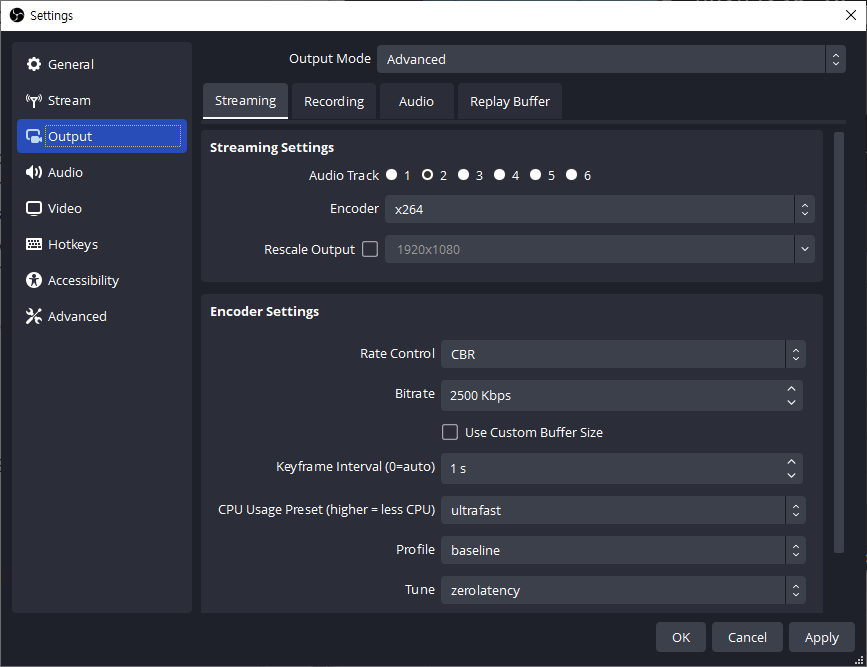
Publish your live stream to OvenMediaEngine using a live encoder like .
The settings below are recommended for ultra-low latency.
Setting
Value
Playback
Open the installed OvenPlayer Demo page in your browser.
http://Your.Docker.Host.IP:8090/
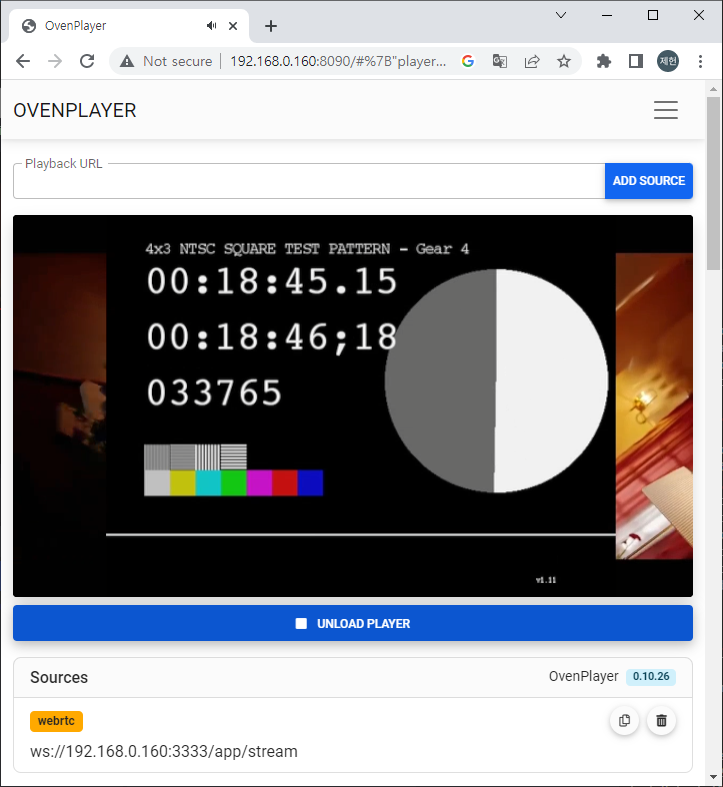
WebRTC Playback
Add ws://Your.Docker.Host.IP:3333/app/stream to the Playback URL and click the ADD SOURCE and LOAD PLAYER button to play the live stream with WebRTC.
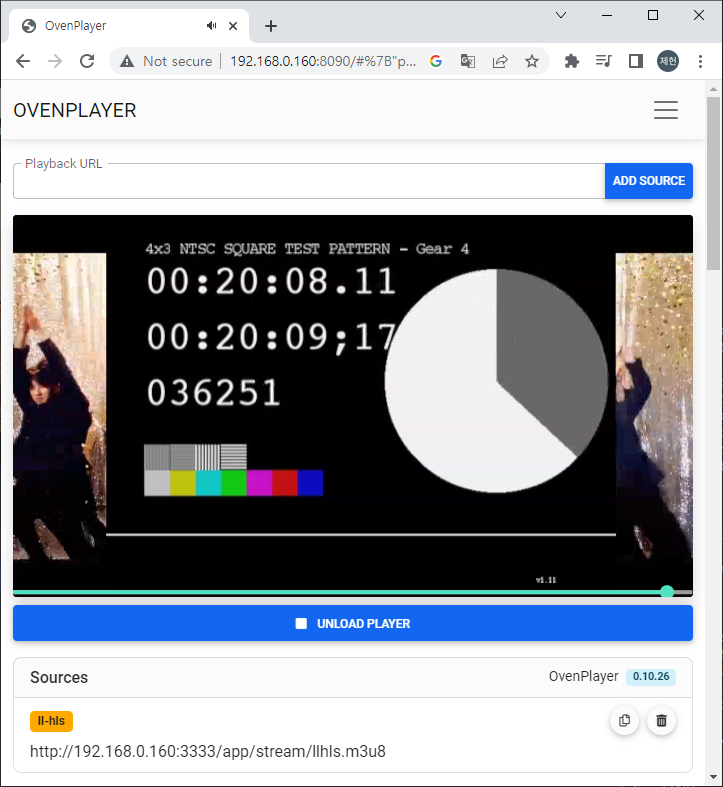
LLHLS Playback
Add http://Your.Docker.Host.IP:3333/app/stream/llhls.m3u8 to the Playback URL and click the ADD SOURCE and LOAD PLAYER button to play the live stream with LLHLS.
$dockerps-fname=omeCONTAINER ID IMAGE COMMAND CREATED STATUS PORTS NAMESc9dd9e56d7a0 airensoft/ovenmediaengine:latest "/opt/ovenmediaengin…" About a minute ago Up About a minute 0.0.0.0:1935->1935/tcp, :::1935->1935/tcp, 80/tcp, 0.0.0.0:3333->3333/tcp, :::3333->3333/tcp, 3334/tcp, 8080/tcp, 0.0.0.0:3478->3478/tcp, :::3478->3478/tcp, 4000-4005/udp, 8090/tcp, 0.0.0.0:9000->9000/tcp, :::9000->9000/tcp, 10010/udp, 0.0.0.0:9999-10009->9999-10009/udp, :::9999-10009->9999-10009/udp ome
$ docker run -d -p 8090:80 airensoft/ovenplayerdemo:latest